
The Content tab of CMS pages, static blocks and blog posts has one more button: “Fullscreen Page Builder”. There the content is no longer just typed by hand in the editor, it is composed: a block pane on the left, the storefront preview on the right, and a result that updates as you type.
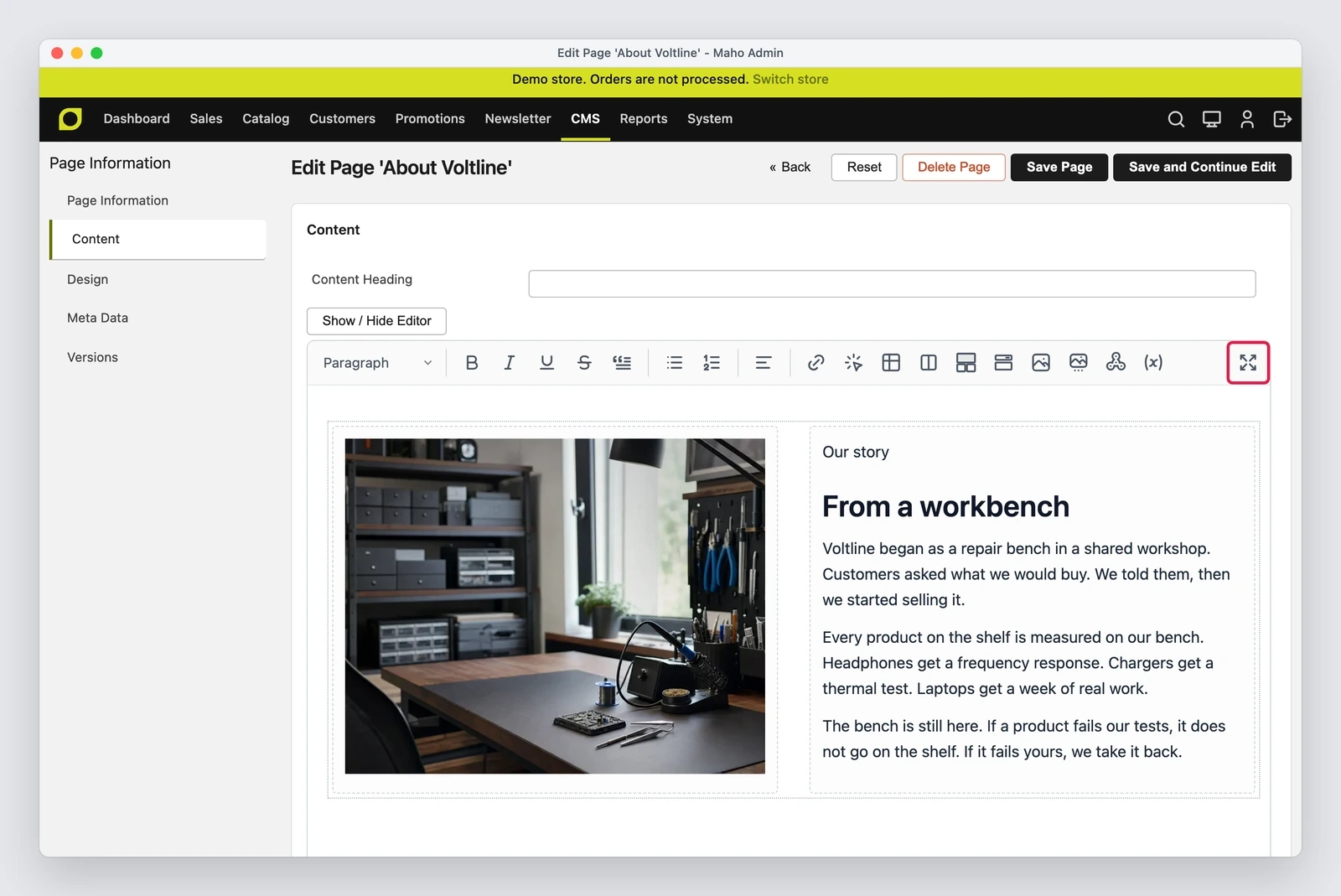
What changes for the store manager
The block pane inserts columns, bento grids, accordions, tabs, images, slideshows, widgets and buttons, by click or by dragging them into the content.
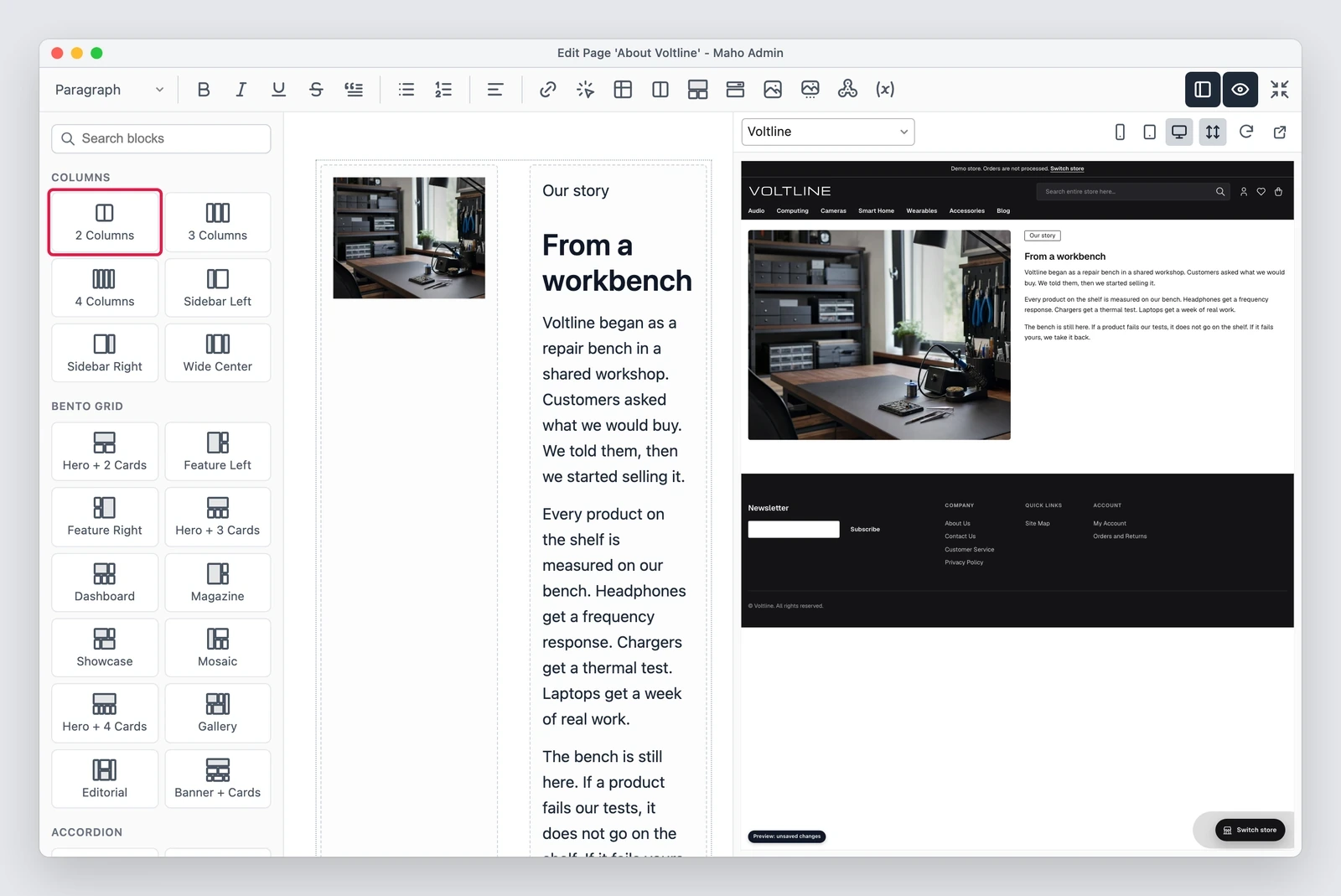
The button dialog asks for a label, a link, a color, a style and a size, and writes an <a> with
the theme classes, so the button stays consistent with the rest of the store.
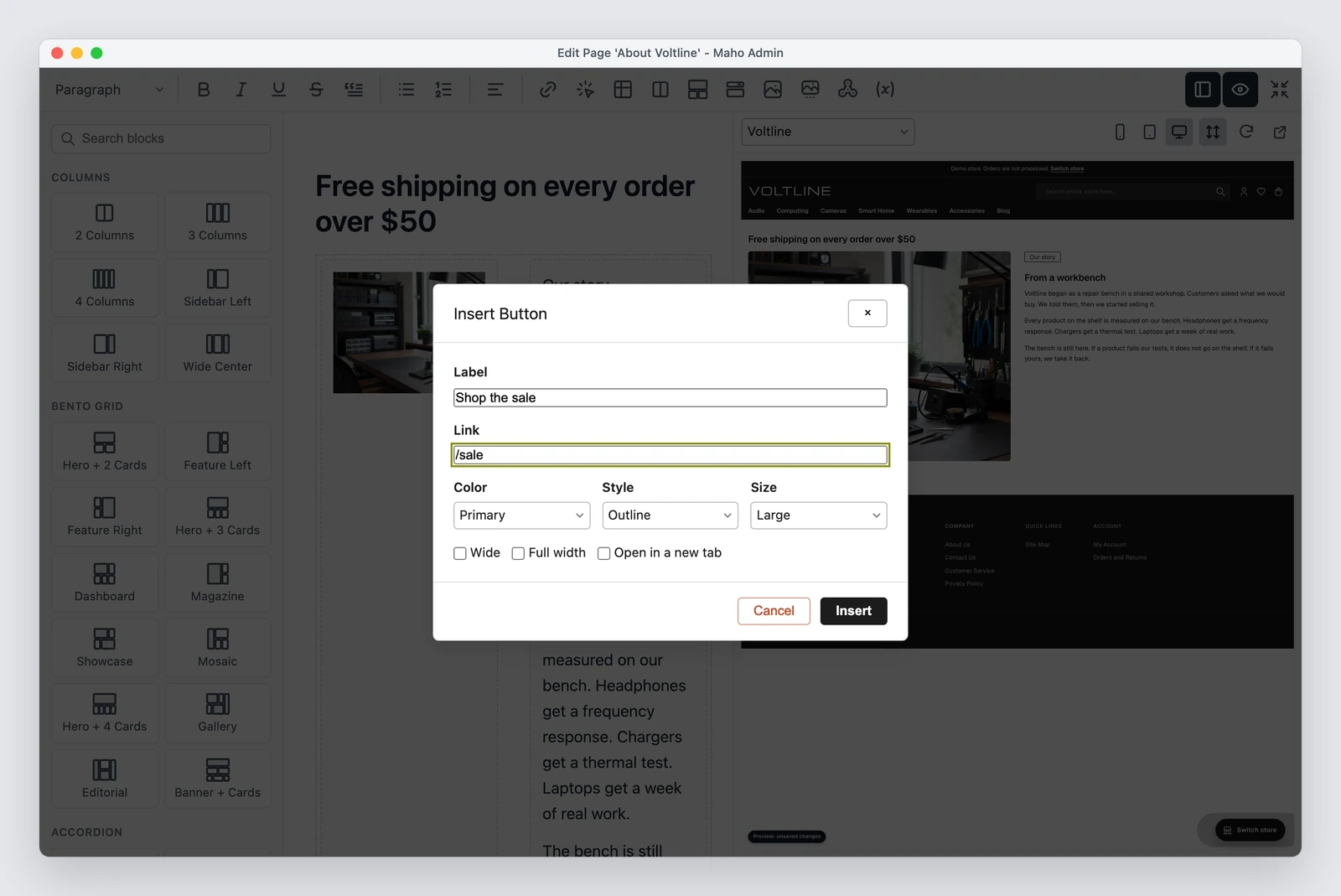
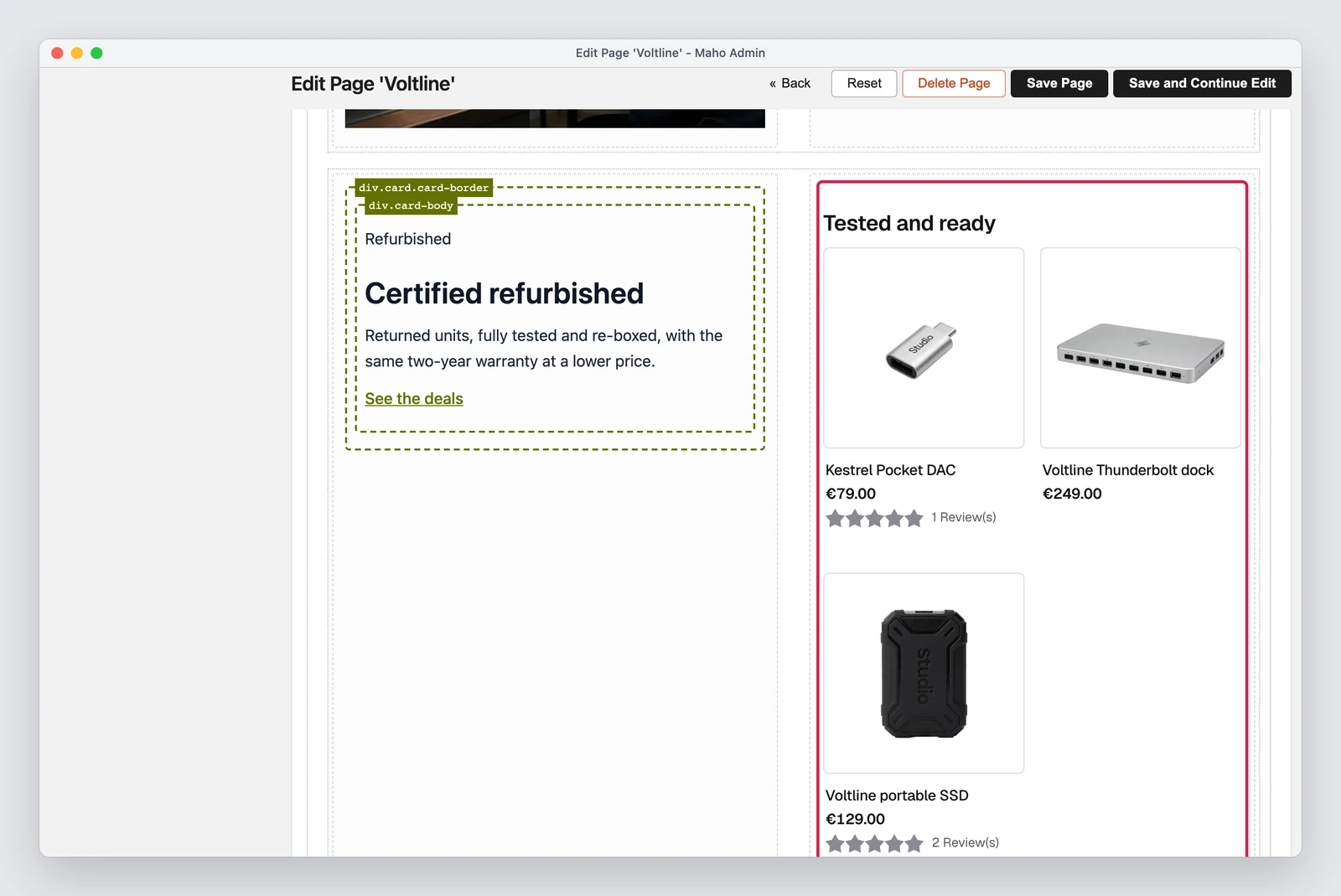
The preview on the right is not a simulation in the browser: the server renders a draft of the unsaved content, in the theme of the selected store view. For a static block you can see the block alone or placed in the page that uses it.
The plain editor stopped showing placeholders too: a widget appears as on the storefront.
Before the fix the editor left labels in place of the content:
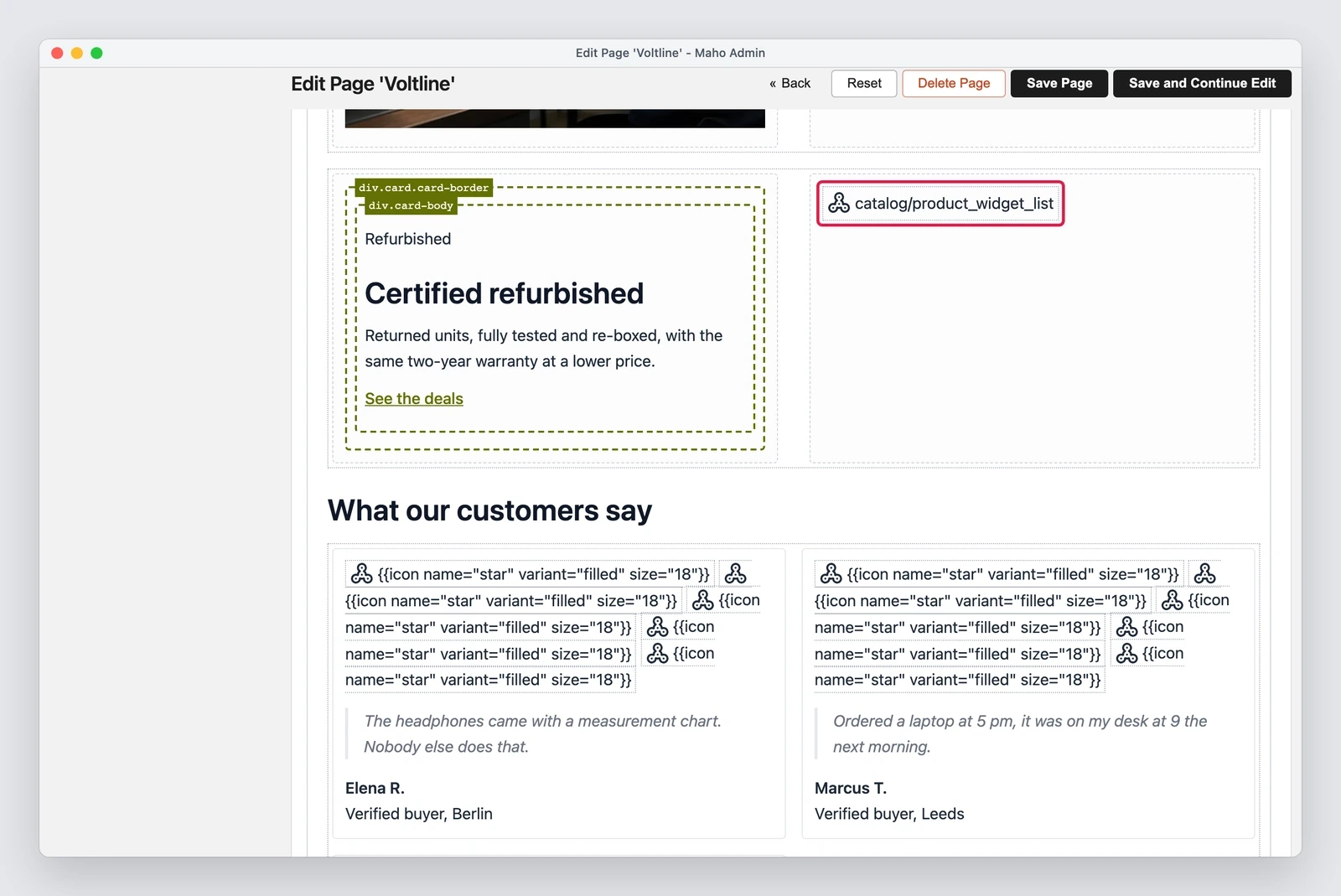
That comes from the same series of changes: the content editor now renders widgets, blocks and
{{icon}} directives as a visitor sees them, so a product list shows products and prices instead
of just the widget type. The fix ships with
#1595.
Editor and HTML: what a save keeps
A second change closes a case that wasted time for whoever writes HTML by hand. When the content
held elements the editor did not handle, such as label, small, sup, section, figure,
dl, video, button or h6, or id, title, data- and aria- attributes on a heading, the
editor closed itself and left the raw HTML. It now keeps everything a save keeps, so you can stay
in the visual editor without giving up the markup
(#1610).
Requirements and known limits
The preview draft lives in the application cache for thirty minutes. A store with more than one web node needs a shared cache, for example Redis: without it, the preview can ask the wrong node for content it does not have.
MageMEGA was part of the process and started the idea with a proof of concept (discussion
#1572,
a standalone module with no core patches), later merged into the core as the Design Mode of
empiricompany/maho-design-mode.
Some things stay out:
- products and categories get no preview, because their editor opens in a dialog without a fullscreen mode;
- a carousel or a script inside a widget does not run in the editor, which shows its static HTML;
- in fullscreen, with both panes open on a 1280 px window, the content area is 456 px wide: a two-column layout with a widget scrolls sideways a little. Closing the preview pane gives the space back.
If a module extends the blog controller
Maho_Blog_IndexController no longer has _switchToSingleColumnIfNoSidebar(), _initPageTitle(),
_initMeta() and _initBreadcrumbs(). A module that extends that controller calls the public
methods of the same names, without the underscore, on Mage::helper('blog'), passing the layout as
the first argument.
Editor's note.Text prepared with the help of AI and checked against the source before publication. It can still contain mistakes: if you find one, report it.Read the manifesto
Source: MahoCommerce/maho#1594
Does your store still sell?
Tell us where you are starting from: we reply with a first assessment, no strings attached.
Ask for the store assessment