
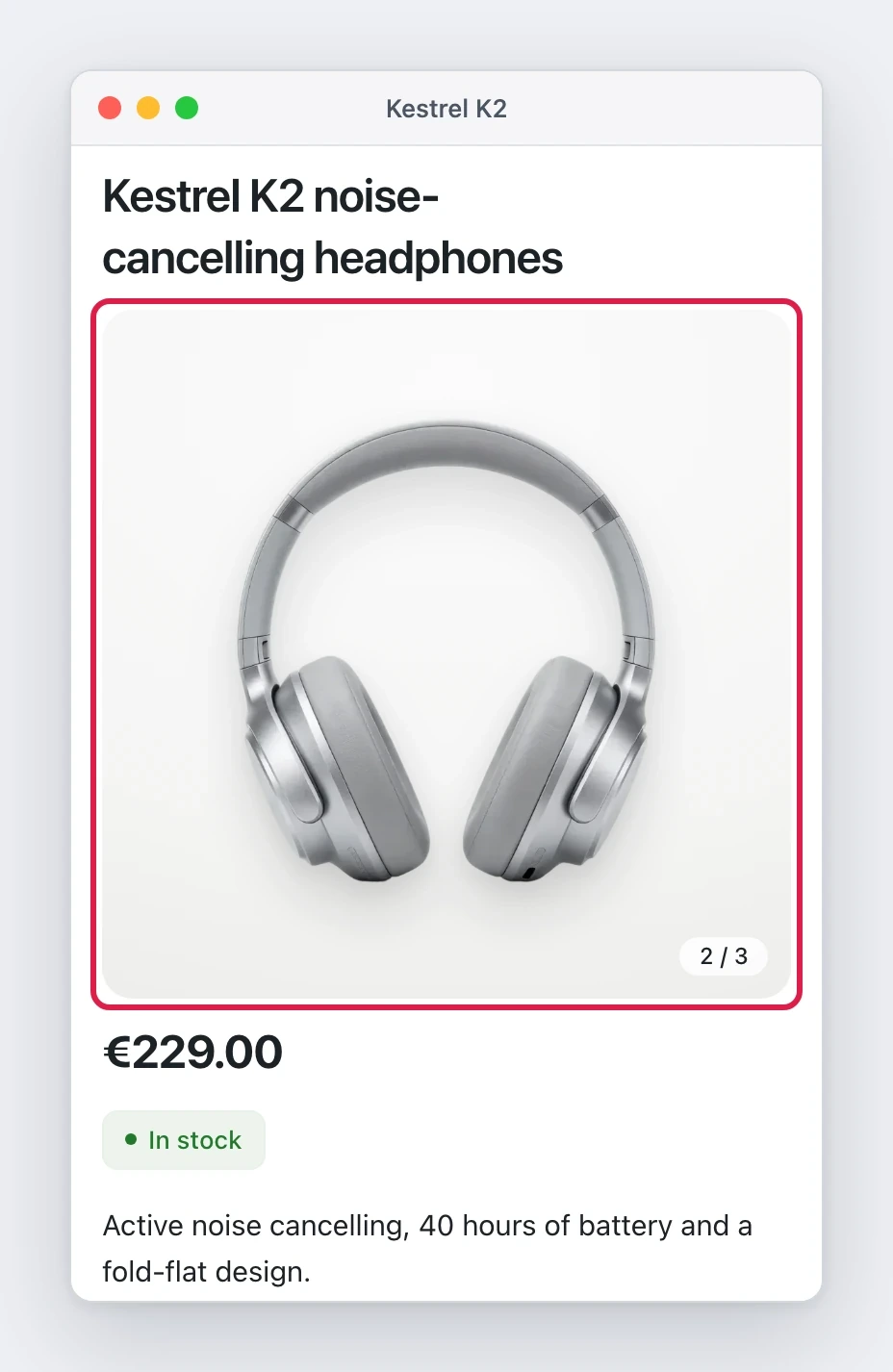
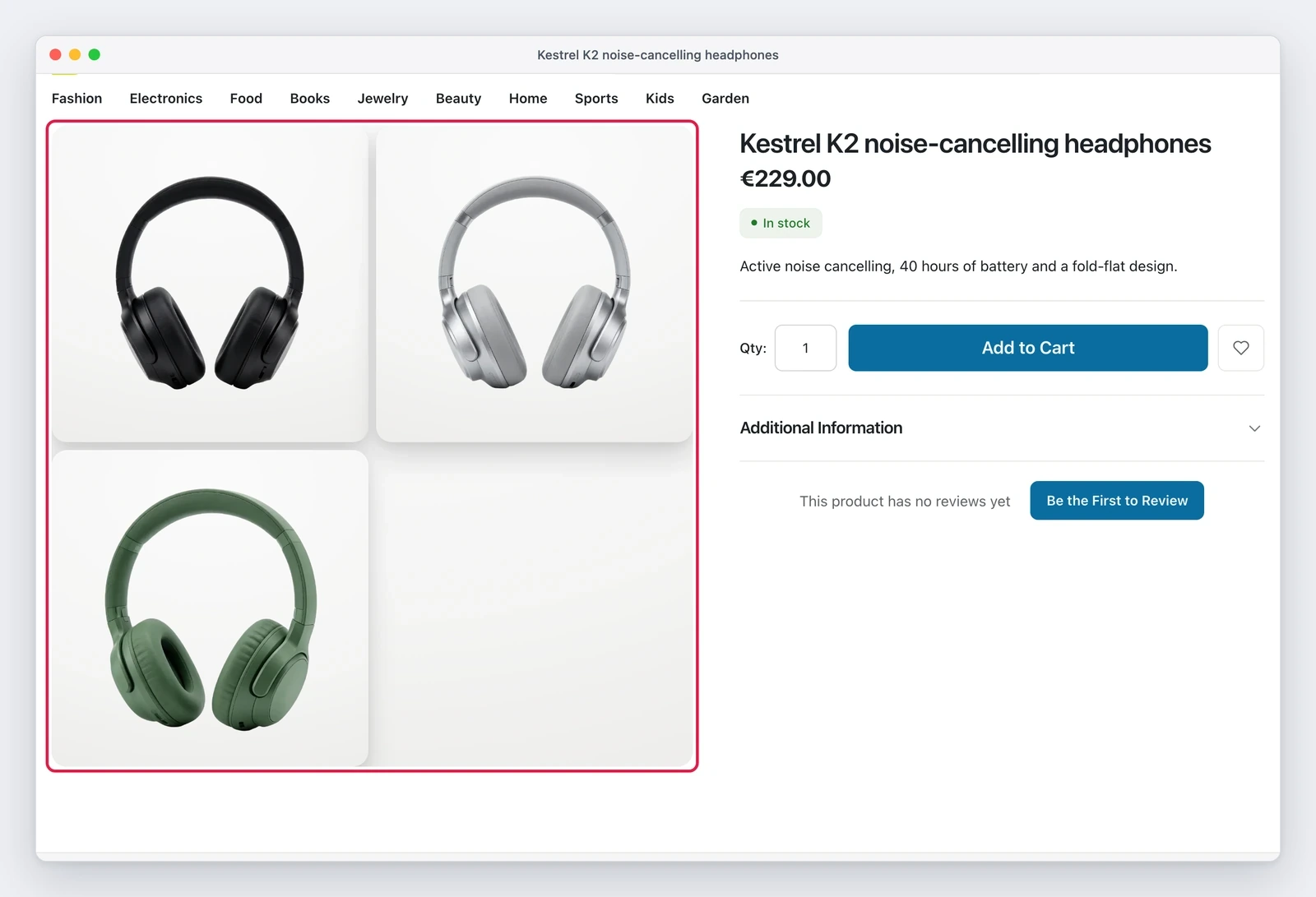
Until yesterday the product page showed its images in one way only. From today the store manager picks the layout: thumbnails below the main image, in a column on the left or on the right, or a grid with every image. On a phone, the default becomes a swipe carousel with a counter.
Where to set it
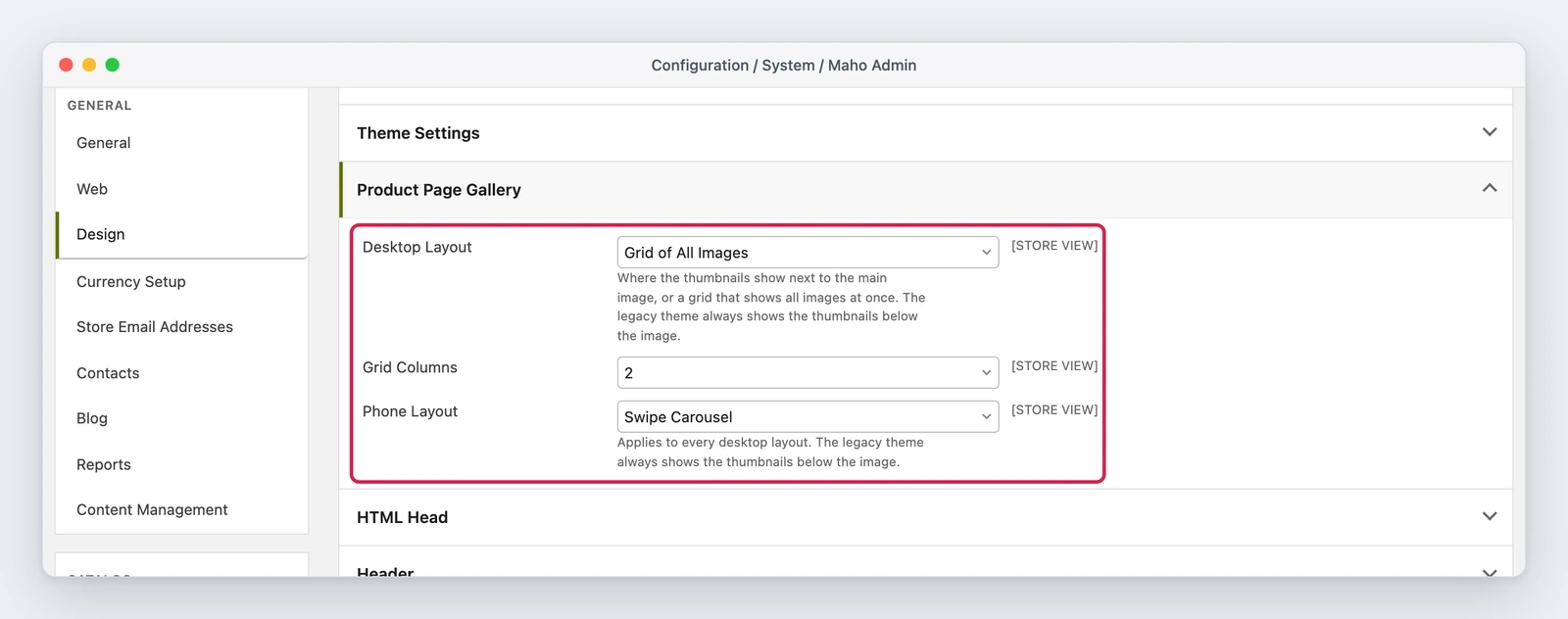
The group is new and lives in System > Configuration > Design > Product Page Gallery, below Theme Settings. It holds three fields: the desktop layout, the phone layout and the number of grid columns. The columns field shows up only when the chosen layout is the grid.
It sits in the Design group and not inside Theme Settings for a precise reason: the fields of Theme
Settings are design tokens that end up in theme.css, while these layouts work only with the base
themes.
What actually changes
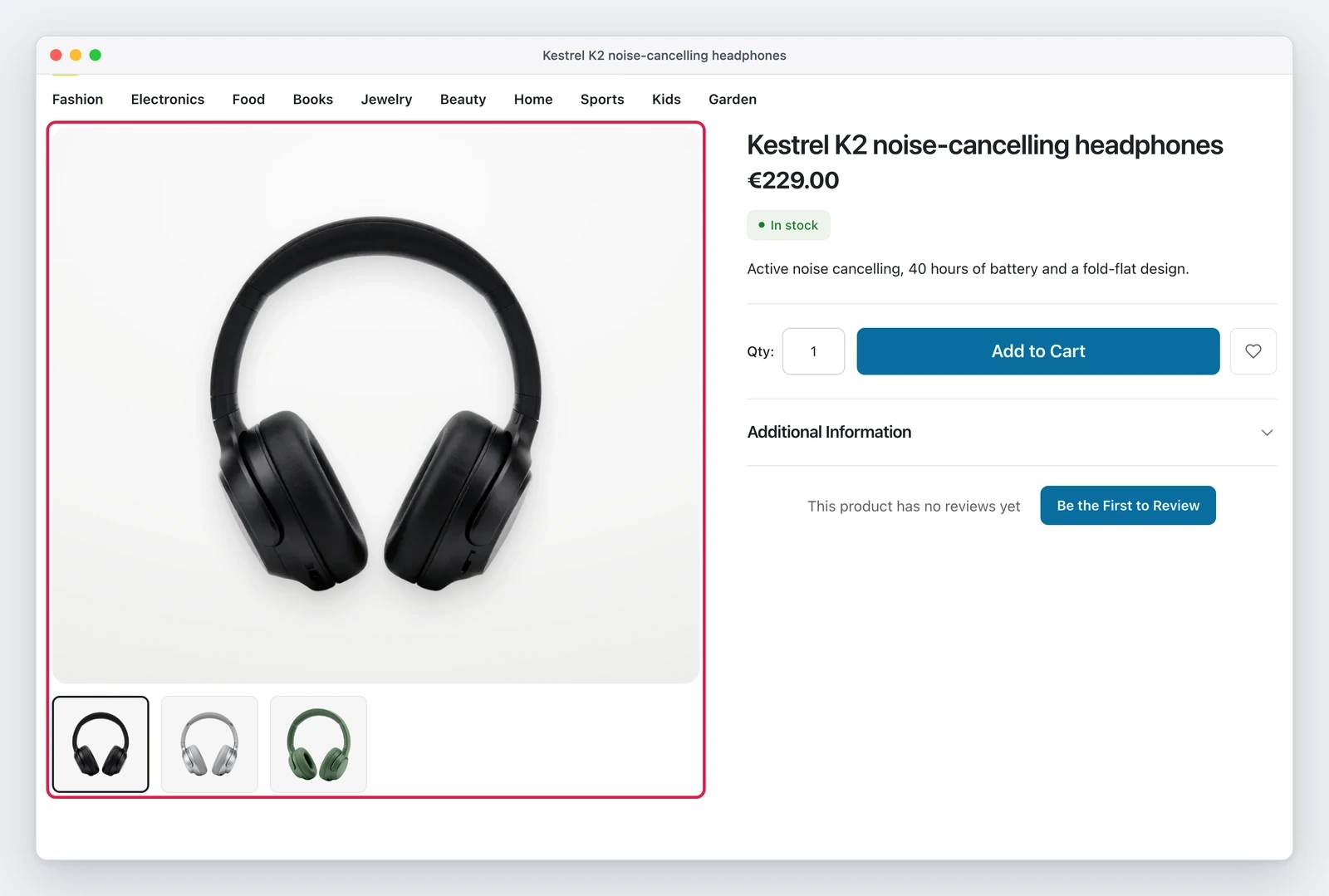
On desktop the default stays the same, thumbnails below the image, with two visible differences: the thumbnails are larger, 99 px instead of 68 px in a 1280 px window, and the one of the visible image has a dark outline. The outline follows a thumbnail click and a swatch choice alike.
On a phone the carousel is the new default. To get the previous layout back, set Phone Layout to “Thumbnails Below the Image”: the main image with the thumbnails below it.
The settings do not touch code: the gallery already rendered every image, the layout is all CSS.
A detail that usually breaks
When a variant has its own image, the swatch brings it in place of the main image. In the grid and in the carousel the logic is the same: the swatch image takes the cell of the main image, so the number of images does not change after the choice and the fullscreen viewer opens at the right image.
An unknown layout value falls back to “below”, an unknown phone value falls back to “carousel”, and the number of columns stays between 1 and 3.
Two things to know before enabling it
- in the grid layout the buy column scrolls with the page: it cannot stay sticky next to a grid that is taller than the window;
- the legacy package keeps its layout for every setting, with its own CSS: it still shows a small main image and large thumbnails.
Editor's note.Text prepared with the help of AI and checked against the source before publication. It can still contain mistakes: if you find one, report it.Read the manifesto
Source: MahoCommerce/maho#1601
Does your store still sell?
Tell us where you are starting from: we reply with a first assessment, no strings attached.
Ask for the store assessment